Product Update: June 2026
5 MIN. READ
This month, we announced:
Office Add-ins: Never leave your document to get work done. Run workflows and review the open file for errors, author and edit live, insert native comments, and attach project assets, all inside PowerPoint, Excel, and Word.
Email Agent: Put the agent to work without opening the app. Run entire workflows, or forward a deck for review.
AutoFix: You can now catch and fix errors directly in PowerPoint, in place.
Desktop App: A faster, native home for your work. Switch projects, download files, and sign in more smoothly than in the browser.
Skills, Templates and Memory: The agent remembers your role, preferences, and conventions, so every conversation starts where the last one left off.
New models: Match the model to the task. Now available: GPT-5.5, Claude Opus 4.8, and new experimental Alpha models. Users can now choose their preferred model per task, or let Model ML make the decision for them.
Customize your Agent: Tune your agent once and have it work your way everywhere. Surfaces, models, email, templates, and connectors, all managed from a single home.
Workflow Loops: Run one analysis across a full list at once, a comp set, a target universe, a portfolio, with each step visible and a test mode before you commit.
Data Integrations: Companies House records and S-1 filings now flow directly into your analysis, no manual sourcing required. Bank-sector and broad-market indices are now available in the Indices toolkit.
External Meeting Sharing: You can now share a meeting with people outside your organisation, even if they don’t have a Model ML account.
Faster building blocks: Get to a working Grid sooner. Duplicate any template, browse Your Grids, and start from richer Create-with-AI starters.
Office Add-ins
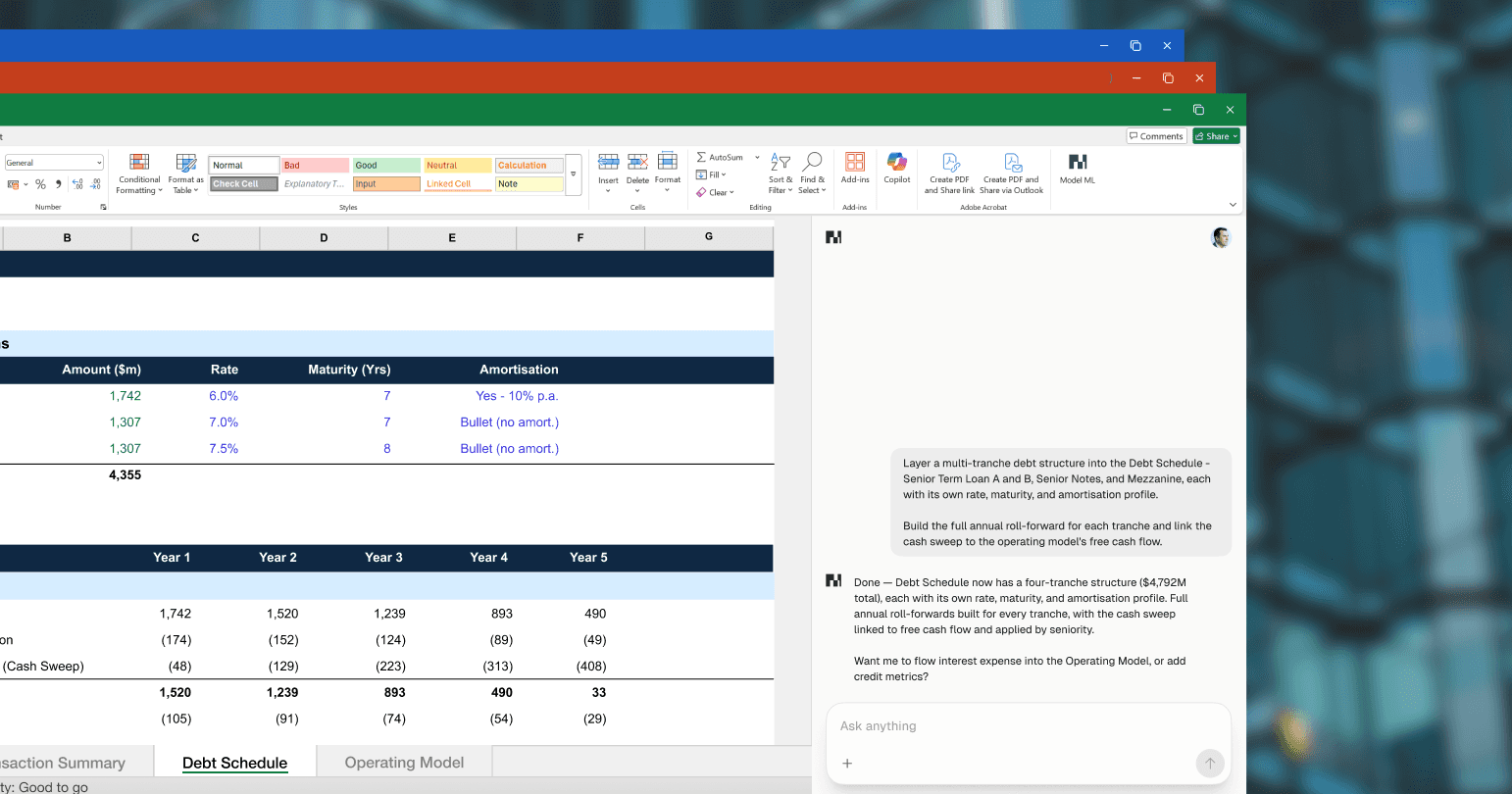
May was the month Model ML moved into the Office apps your team lives in. Across PowerPoint, Excel, and Word, you can now:
Run end-to-end, long-form, complex workflows with your files and project folders attached directly in Microsoft Office.
Review open decks to catch and fix errors and inconsistencies in place.
Edit files and reference from PitchBook, Capital IQ, and Egnyte directly through the plug-ins.
Skills, Templates, and Memory
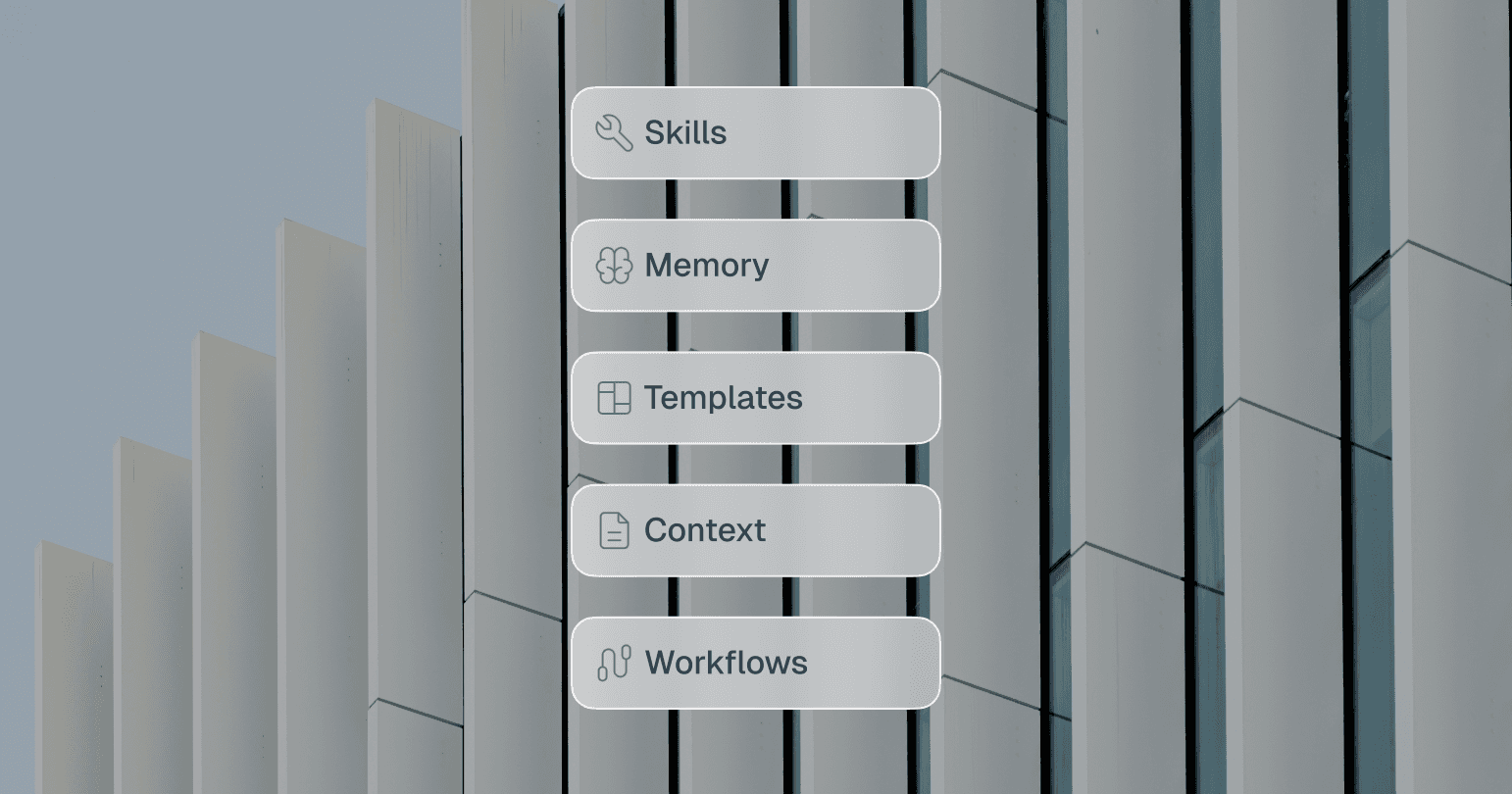
Skills. Package a repeatable task once, then run it on demand with your method applied every time.
Templates. Start from pre-built structures for common deliverables, formatted right from the first pass.
Memory. The agent retains your role, conventions, and formatting preferences across conversations, now persisting reliably over time.
AutoFix
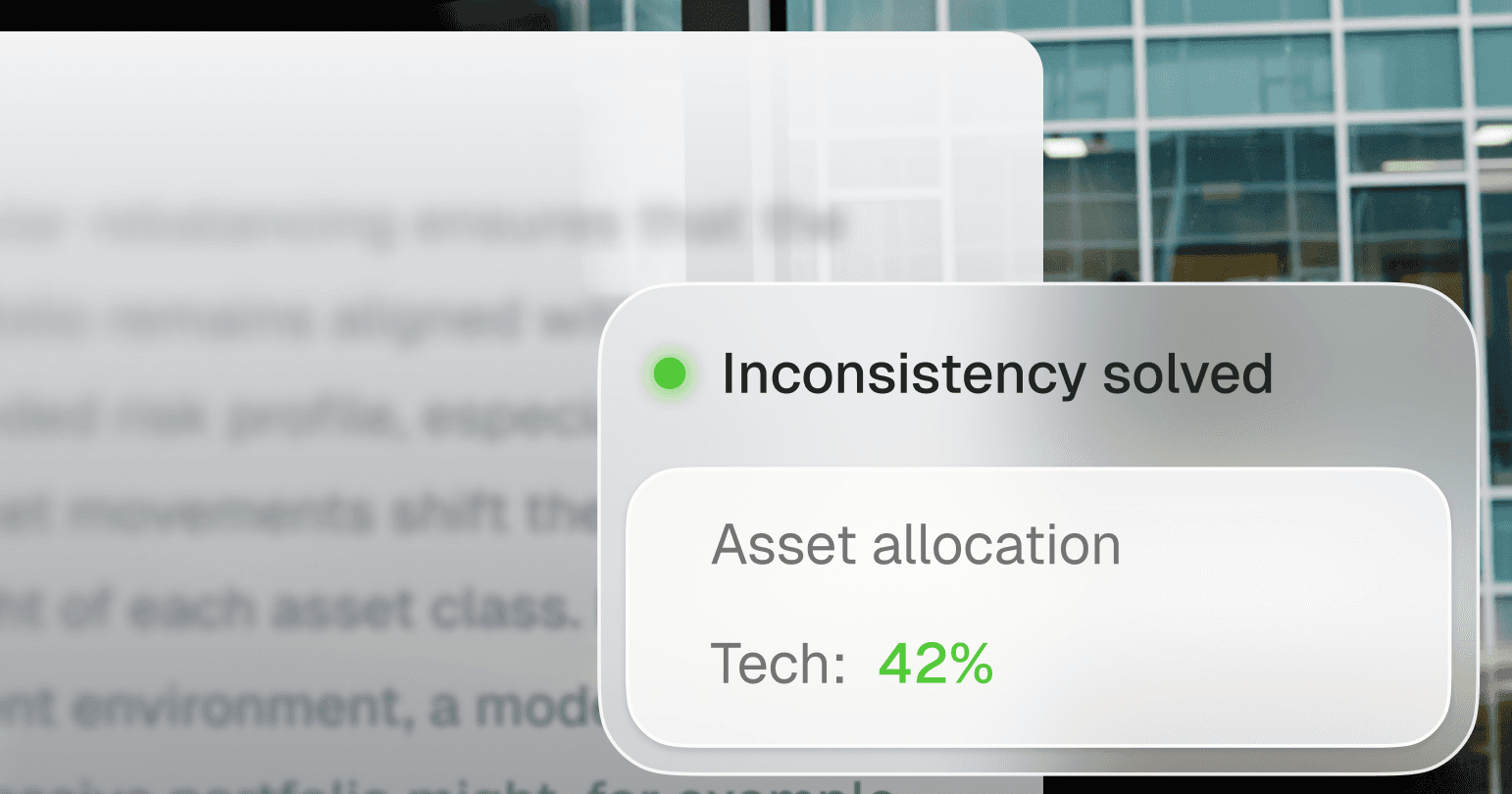
Model ML now not only catches errors in your documents, but also fixes them directly in PowerPoint. It can cross-reference your decks against other documents and tools so your client materials are always error-free.
Desktop App

Model ML now has a native desktop app. To download it, simply log into your Model ML web app, then select Account → Desktop App.
Workflow Loops
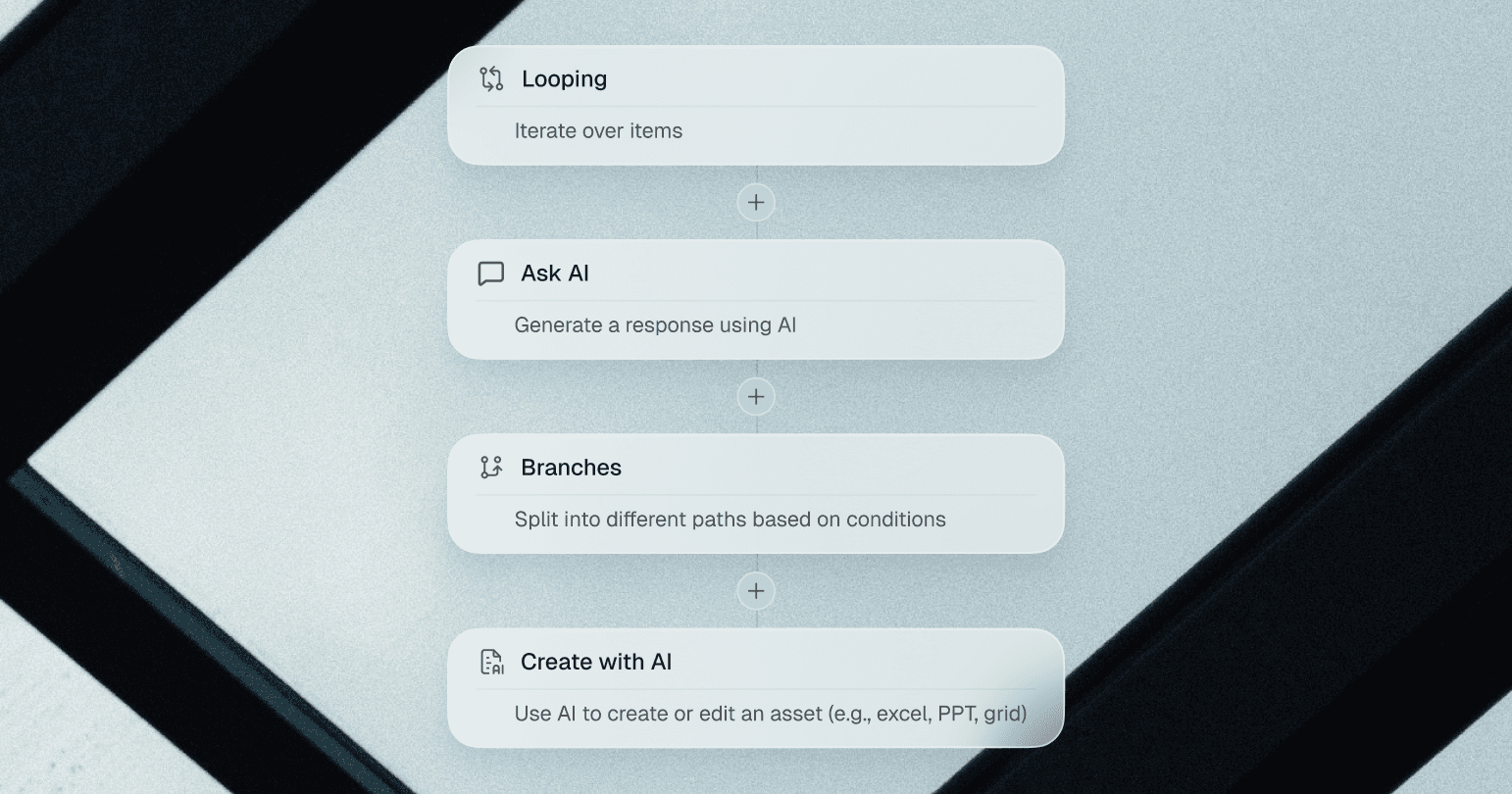
You can now run loop over sets of actions as part of your workflows. Combined with our other workflow capabilities, this allows you to monitor a universe of companies and automatically trigger a pipeline of actions for each company that meets certain conditions or market events that you define and configure as signals.
Email Agent
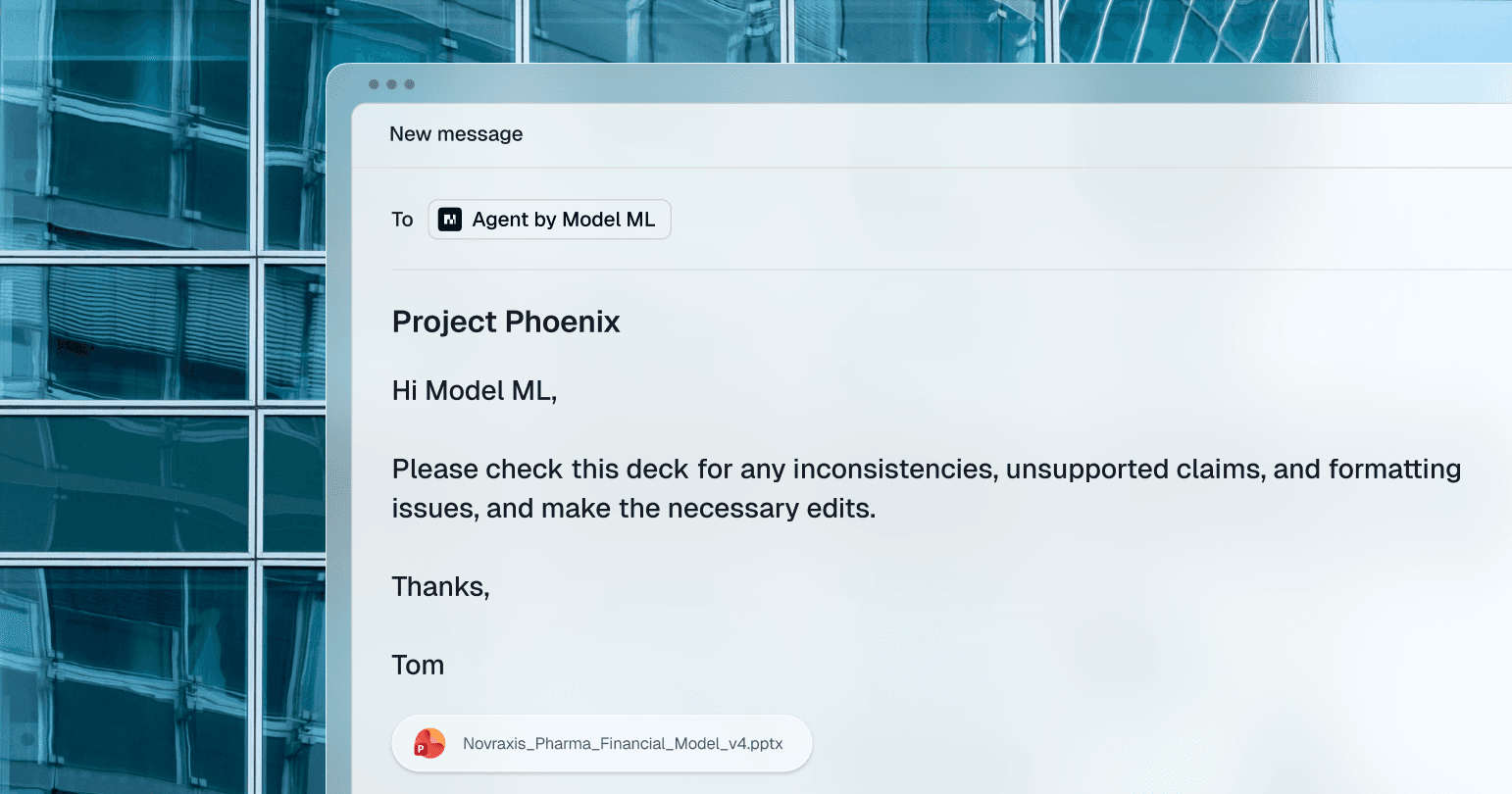
You can now hand work to Model ML over email. Everything you can do in the Model ML app, you can now do over email. Email-triggered runs can execute workflows, do research, and review attached PowerPoint and PDF files for errors, including multiple files in one request.